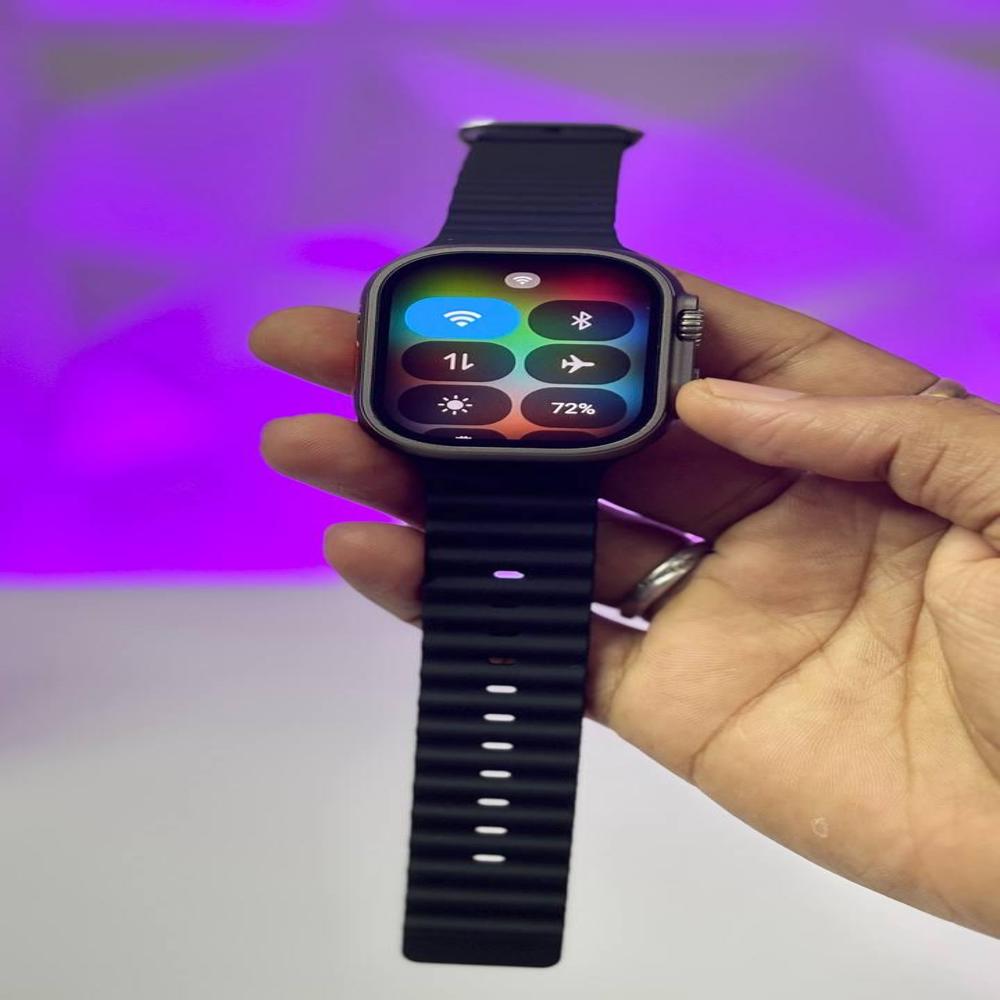
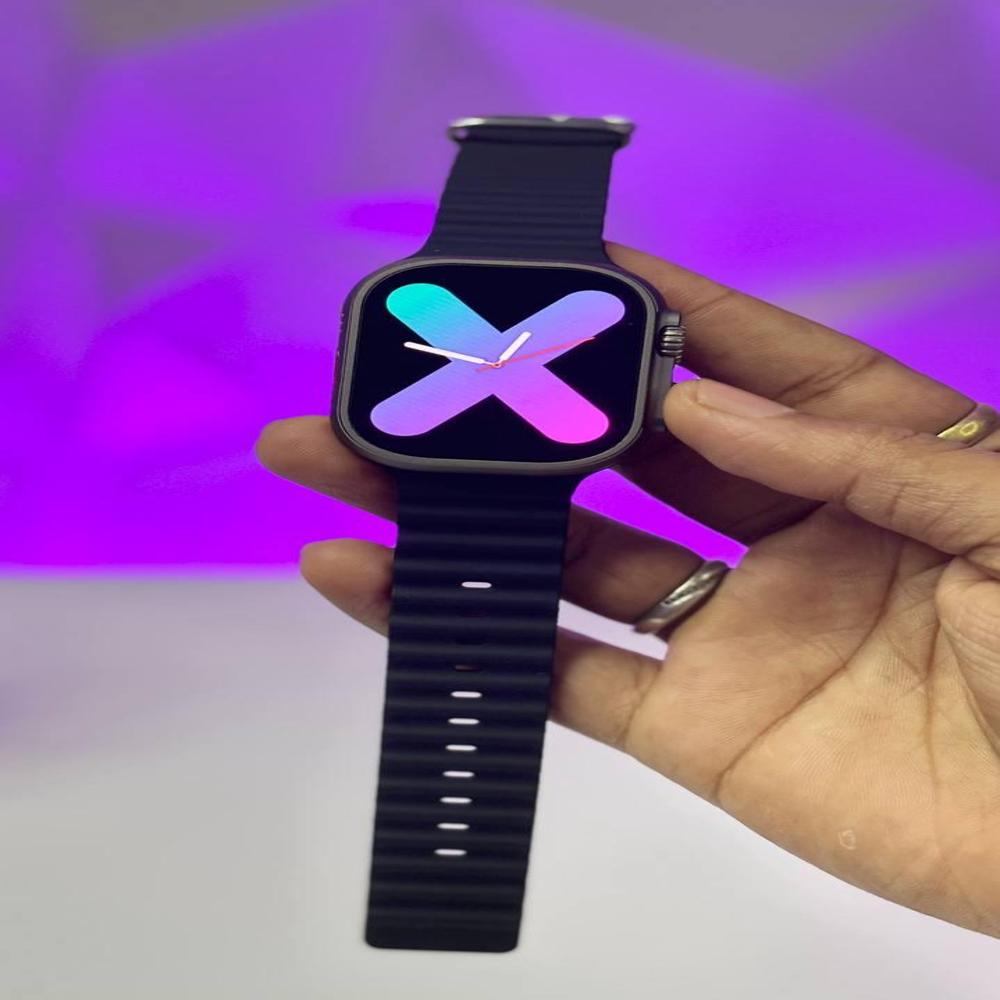
About Andriod Watch With 90Hz Smooth Display
- GB Ram
- 16GB Storage
- 90hz Smooth Display Refresh Rate
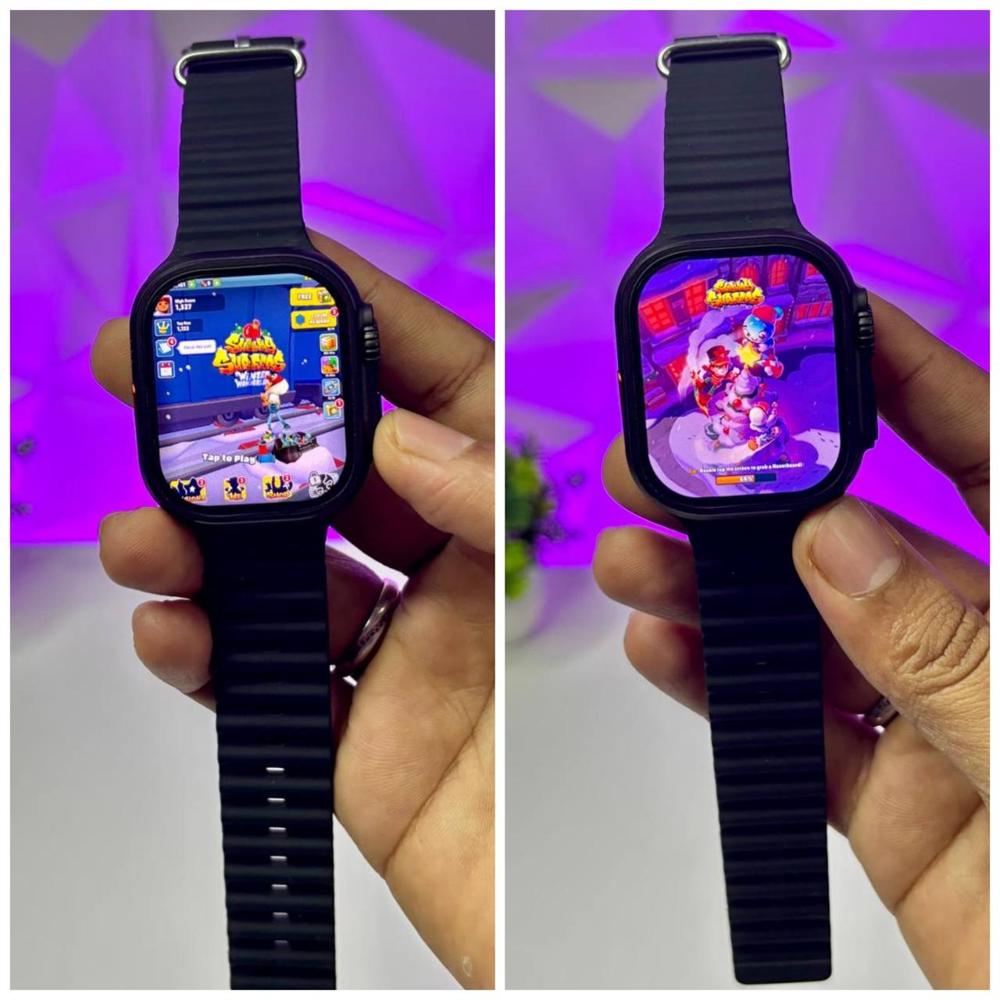
- Smooth Gaming & Interface
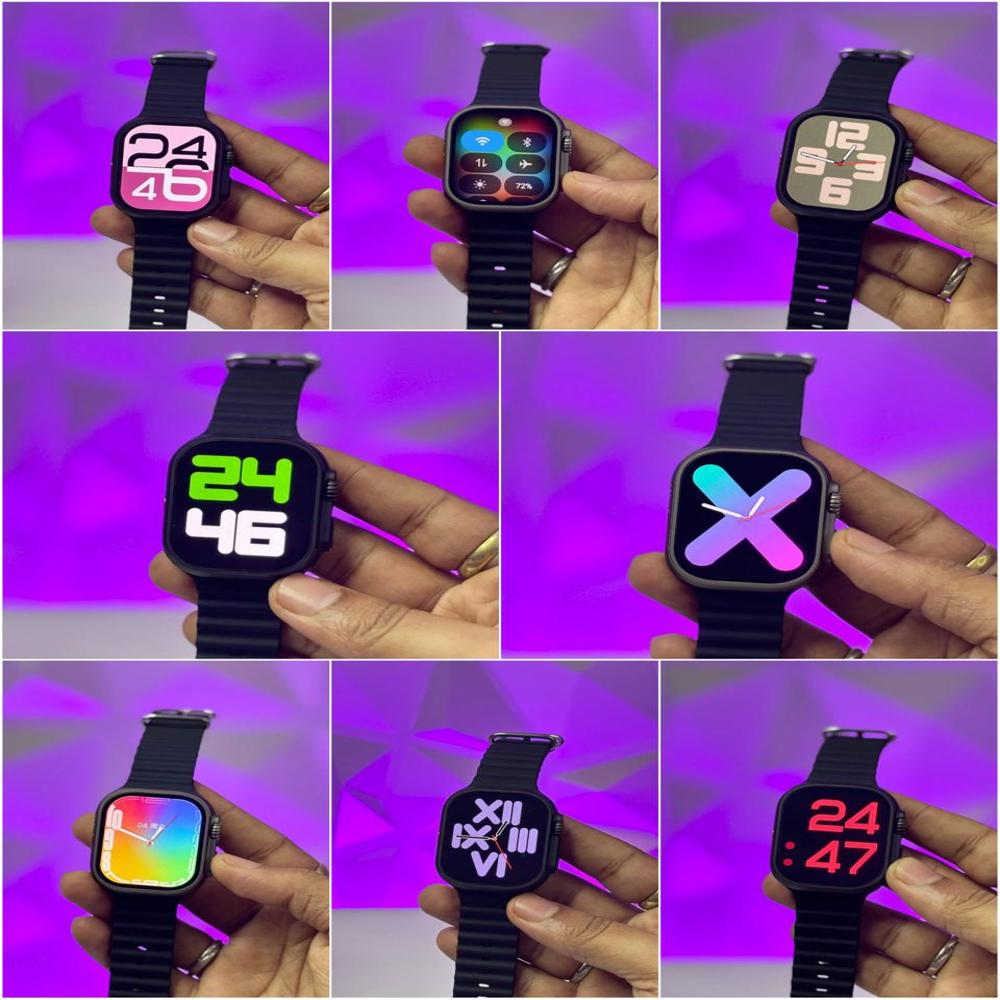
- 100+ Watch Faces
- Sim Card Slot
- WiFi / Bluetooth / Mobile Data
- Tws Connectivity
- Many More Features Grab Now Waiting To Get On Ur Hand
Instagram, YouTube,Facebook, Whats App etc. you can install Apps From the Play Store!
Superior Display ClarityThe 90Hz smooth display elevates your visual experience, offering ultra-responsive transitions and sharper graphics. This means clearer notifications, smoother swiping, and a more engaging interface for daily interactions and fitness tracking alike. With a square, black design, the device delivers both style and substance every day.
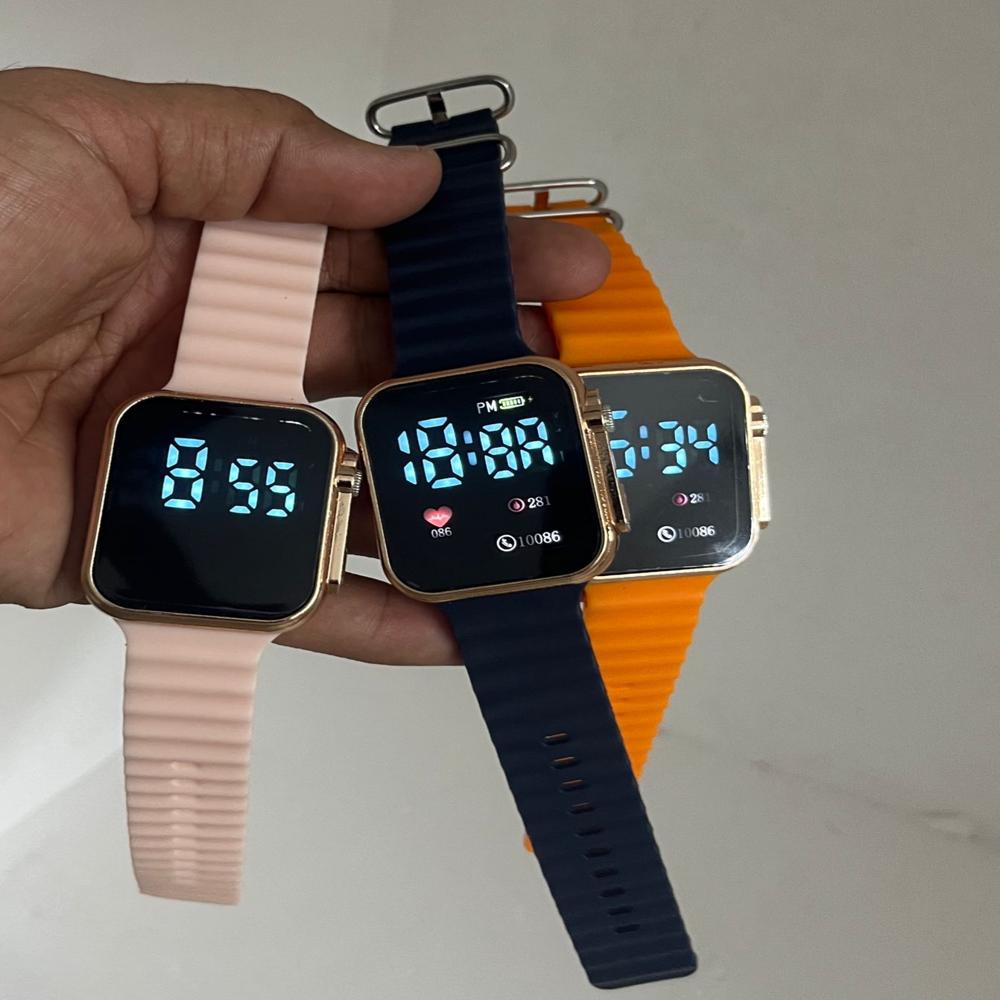
Unisex Design for All OccasionsCrafted with a smooth black band and square face, this digital watch suits both men and women. Its versatile aesthetic blends with casual and formal outfits, making it an excellent choice for the modern lifestyle. Enjoy functionality without compromising on fashion or comfort.
FAQ's of Andriod Watch With 90Hz Smooth Display:
Q: How do I operate the Android Watch's 90Hz smooth display?
A: Simply swipe, tap, or scroll on the watch's touchscreen to navigate through menus and apps. The 90Hz refresh rate ensures quick, seamless interactions for a smooth user experience.
Q: What are the benefits of the 90Hz display on this Android Watch?
A: A 90Hz display offers faster response times and smoother visuals, making your interactions with notifications, apps, and health tracking more fluid and enjoyable than standard screens.
Q: When is the best time to wear this smartwatch?
A: You can wear this unisex digital Android Watch anytime, whether you are at work, exercising, or socializing. Its versatile design makes it suitable for both daily and special occasions.
Q: Where can I purchase the Android Watch with a black, smooth band?
A: This watch is available from reputable suppliers and traders across India. Check with authorized digital watch retailers or online stores specializing in smartwatches for availability.
Q: What is the process to set up my new Android Watch?
A: Upon receiving the watch, power it on and pair it with your smartphone using Bluetooth. Follow the on-screen instructions to set language, customize settings, and sync apps for notifications and fitness tracking.
Q: How can I use the Android Watch's features for daily tasks?
A: You can manage notifications, track fitness metrics, set alarms, and control music directly from your wrist. The intuitive interface is optimized for both everyday activities and specialized needs.






 Send Inquiry